INTAKE
Film arrives.
 Featured at
Tech Week 2026 · NYC
Featured at
Tech Week 2026 · NYC
Content Credentials + Metadata, now on every scan.
Anyone can generate an image. Yours came from real film. Now, every scan from Gelatin Labs proves it: the whole story, sealed right inside the file.

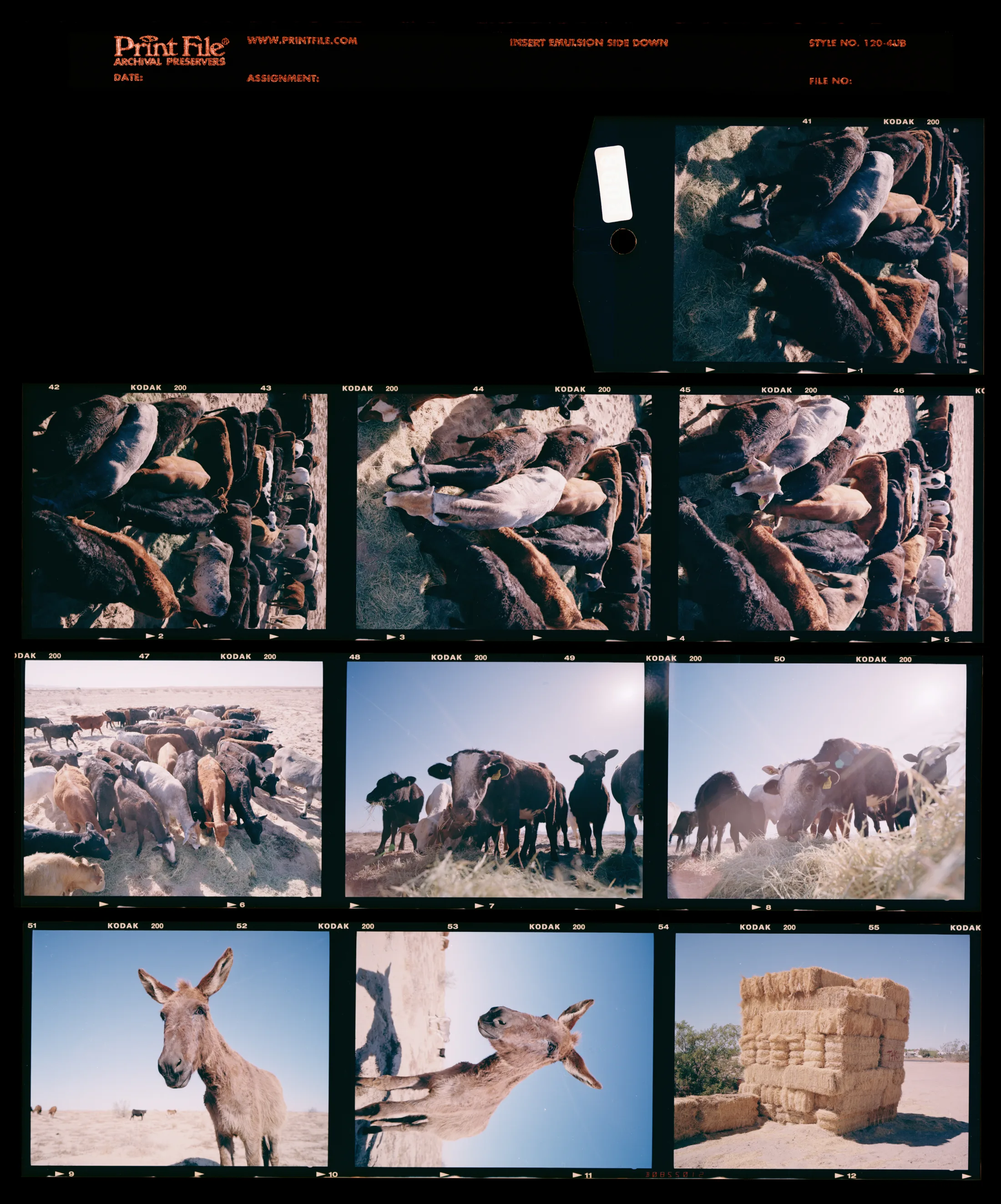
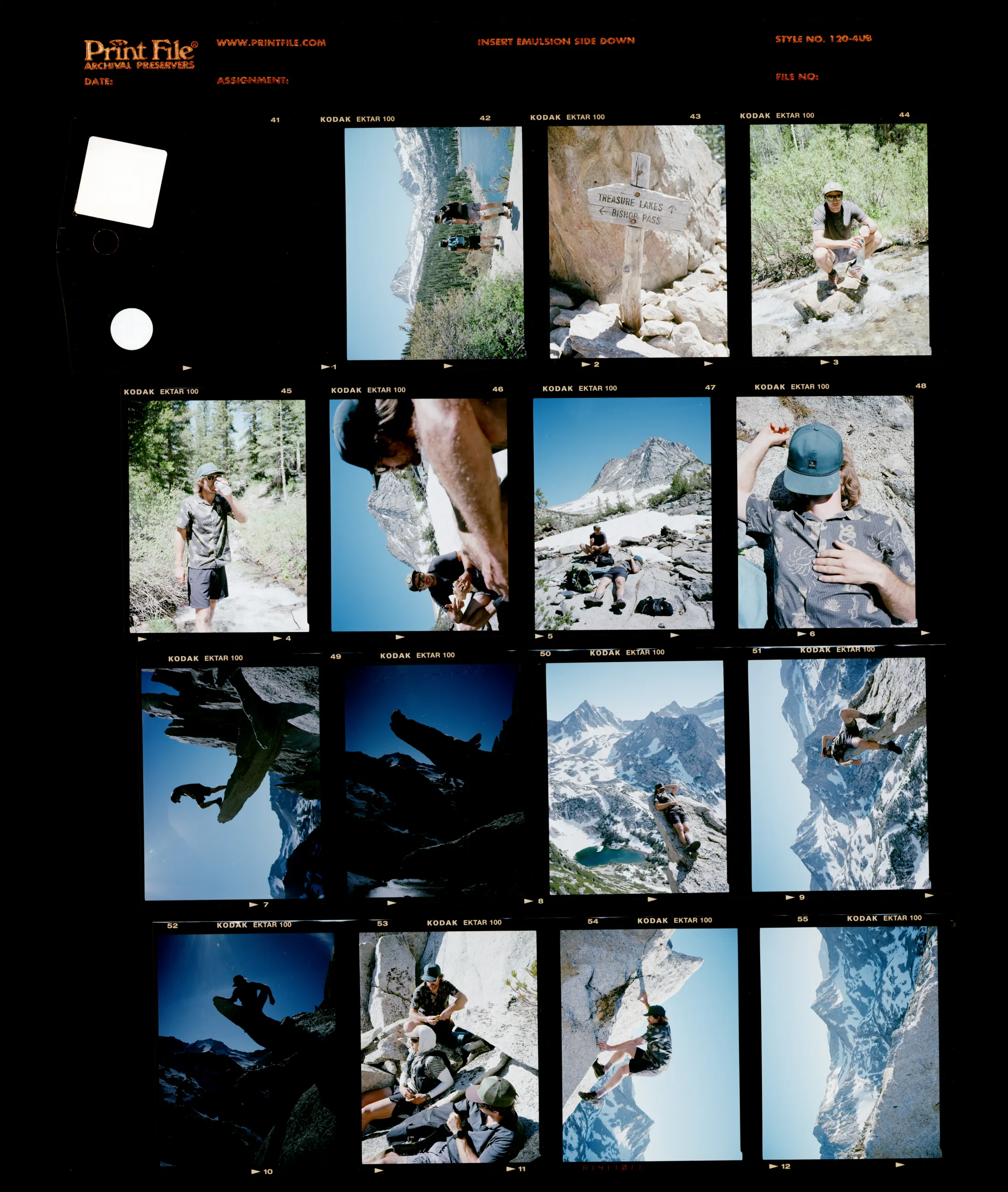
Online, it's fast becoming the question of the decade. As AI learns to generate a convincing image of anything, proof of what's real is the thing that matters most.
Film already carries the answer. A frame is a physical thing: light and silver fixed onto a negative you can hold. For over a century, that negative has been the tangible proof a photograph is real.
We’re the first and only film lab anywhere to carry that proof online. Your negative, digitized. Every scan leaves Gelatin Labs sealed with a cryptographic Content Credential and the metadata to match, so what the negative proves stays attached to the file, for good. Old-school chemistry, meet modern provenance.
A finished scan from Gelatin is four things, stacked into a single file: your hard work, our expertise, a badge of authenticity, and the details to keep you organized.
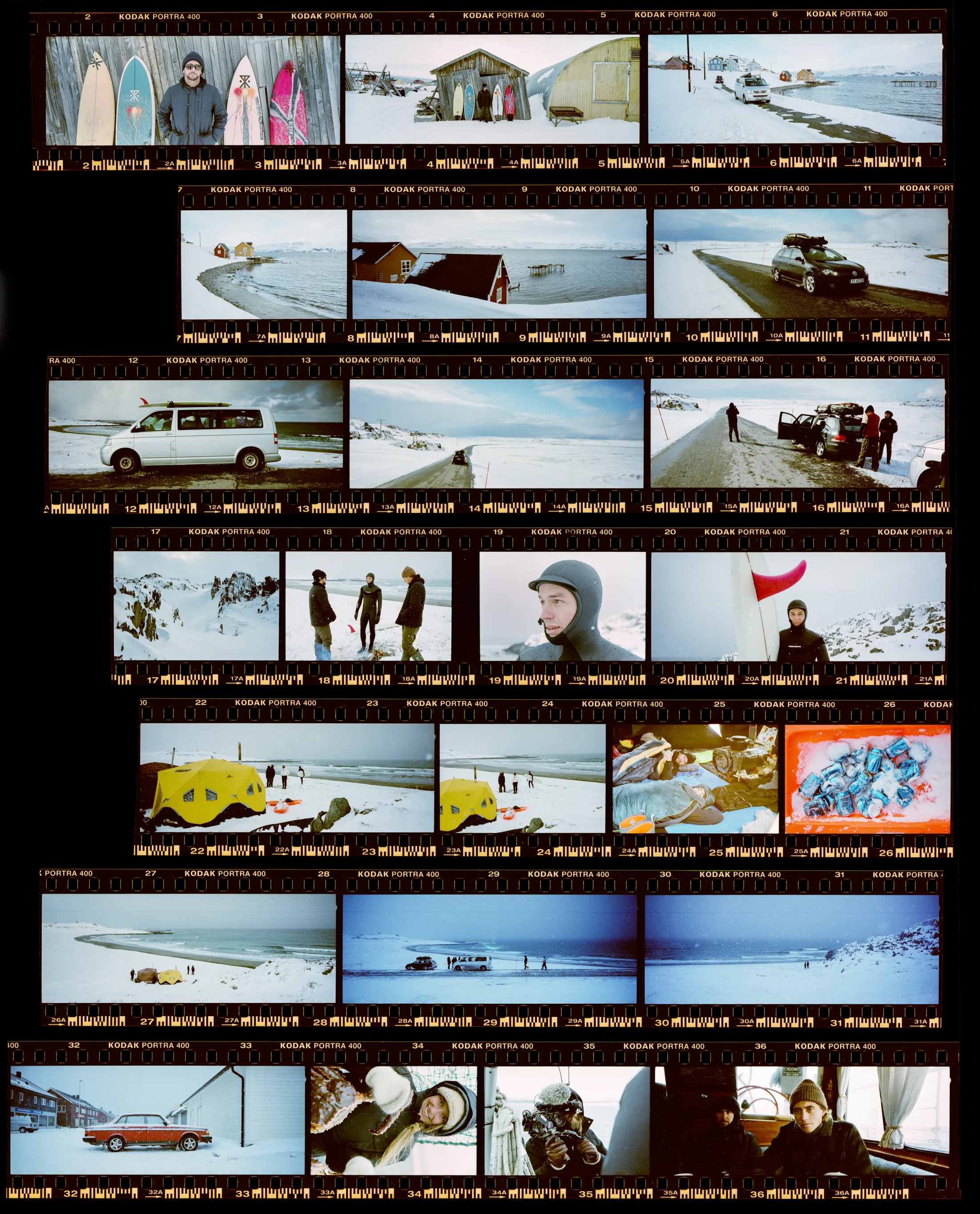
Light, silver, time. The original.
Up to 16-bit. The look you want, every frame.
The open standard, signed by us and baked into the file.
Roll number, stock, scanner, saved inside.
A birth certificate for your scans. Our signature, pressed into every one that leaves the lab, so anyone can check where the photograph came from.
The signature lives inside the image file itself. It says, plainly: this came from Gelatin Labs, on this date.
Every digital scan we deliver carries the seal. It happens automatically, the moment your file comes off the scanner. No extra steps for you.
Share it, post it, send it on. As long as the file’s intact, anyone with a Content Credentials reader can check the signature and see where the photograph started.
When your file comes off our scanner, our system signs it with a private key only we have. That signature gets bundled inside the image file using an open standard called C2PA.
C2PA isn't ours. It's an open standard built and read by Adobe, BBC, Sony, and a growing list of companies. We build on those shared, open tools.
Drop any of our scans into a free verifier (Pixelstream, the Content Credentials browser extension, or our own) and you get the whole record: lab, date, every step between the negative and your hard drive.
Some apps still strip metadata on export. If that happens, the image itself is still the evidence: we compute a perceptual fingerprint of every scan we sign and keep it in our registry, so we can match a stripped file back to the roll it came from.
Your photographs stay yours. Every scan we deliver carries a do-not-train instruction for AI systems, sealed in with the signature, so anyone can confirm it’s still exactly what we wrote.
Every scan we hand back says no to AI training, in a form machines check on their own. Nobody has to write and ask where you stand.
Teaching a model, running your photograph through one, and scooping it up in bulk are three different things. Your scan turns down all of them, one by one.
The answer is part of the seal, not a note stuck beside it. Take it out and the seal stops matching, which is its own kind of alarm.
The refusal is a CAWG training-and-mining assertion inside the Content Credential. It carries four separate entries — generative training, inference, model training, and data mining — each set to not allowed. They’re separate on purpose: a system can’t honor one and help itself to the rest.
Because the assertion sits inside the signed manifest rather than alongside it, editing it out invalidates the signature. Any C2PA-aware tool then reports the file as altered instead of quietly accepting it.
Every scan moves through the same flow. From the moment film arrives at the lab to the moment a sealed file lands in an account.
Film arrives.
Reviewed by hand.
Seal embedded.
Lands in your account.
Anyone can read it.
A signed Content Credential, embedded as we scan. Carries the lab, the timestamp, and the file's story so far. Any C2PA verifier reads it, no setup needed.
The seal is the visible, machine-readable layer. Drop the file into our verifier, Adobe's, or the free Content Credentials browser extension and you'll see who signed it and when. Bridge and Photoshop flag files that carry one. The signature is verifiable against the public trust list.
If someone strips the metadata, the seal goes with it — and the origin record with it. That’s why the fingerprint exists. It lives in the image itself, so stripping metadata leaves it untouched.
A perceptual hash of the image itself, kept in our registry. Bring us an image months or years later, resized or re-saved or screenshotted, and we can match it back to the scan it came from.
The hash describes what the image looks like. Re-save it as a JPEG, resize it for the web, screenshot it, nudge the color, and it still lands on the same scan.
Unlike the seal, fingerprint matching is something we do through Gelatin Labs. We hold the registry. Send us an image, we’ll tell you if it came from one of our scans. (The credential also carries an ISCC content ID, but that travels inside the file — strip the credential and it goes too. The registry is what survives that.)
The credential names a physical piece of film as the parent of the file, and records whether it was a negative or a positive. Every frame points back to something you could hold.
Most Content Credentials start at a camera. Ours start one step earlier: at a strip of film that existed before any file did. The credential records that the scan was opened from a physical original, using the IPTC vocabulary the industry already reads — negativeFilm or positiveFilm, chosen from the actual process your roll ran through.
It’s the part a generated image can’t honestly claim. There was a negative. We scanned it. That’s what we signed.
Metadata is the hidden info tucked inside every image file: roll number, film stock, scanner, date. You can't see it on the photo, but Lightroom, Bridge, Capture One, even Finder can read it, sort by it, and search it. We write all of it before your files land, so there's nothing to set up or turn on. Download the scans and it's already there.
Type a roll number, a stock, a scanner, or a date into Lightroom or Bridge, and the matching scans pop up. Folders become optional.
Every scan arrives already tagged — roll, order, film stock, process, format, GelForm, scan size — in the same Keywords field Lightroom and Bridge already use. Click one to filter, from the first import.
The info lives inside the image itself, so it follows along when you copy, move, share, or back it up.
The scanner, the scan date, and your roll, order and film stock go into the standard EXIF fields every photo app already reads. The rest — GelForm, scan size, process, push or pull — rides along in our own Gelatin fields, for anything that reads custom metadata.
Lightroom Classic, Bridge, Photoshop, Capture One, Apple Photos. Even Finder and Windows Explorer show the standard fields — scanner, date, and the roll and stock in the description.
Filter to one roll, one stock, or one scanner, then apply a develop preset to just that set. The scans arrive already sorted, so the selection is one click rather than a hunt.
Type anything you remember about the roll — the process, the film stock, or which GelForm you picked — and every scan that matches appears, wherever it lives on your hard drive.
Every order arrives as clean, numbered folders, and every frame carries its roll, format, stock, and frame number in the filename. No DSC_0042. No guessing which roll a photograph came from two years from now.
Every order is one clean folder, with a numbered folder for each roll inside it.
And that .gel is ours — our own mark for a scan carrying a verified Content Credential, readable right in the filename.
We run the Noritsu HS-1800 and the Fujifilm Frontier, two of the most trusted names in film scanning, and keep them calibrated to within 1–2% of each other. Two rolls from the same shoot look like the same shoot, whichever machine they ran on.
Premium TIFF delivers 16-bit color depth and the full dynamic range the negative actually holds, up to 250 MB a frame and a 40″ print. Archive and Basic TIFF stay uncompressed too. The bit depth you're delivered is the bit depth we signed.
Color scans go through our own color-noise control, hardware and software working together, and black & white through our dust management — all before any credential is applied. The image is finished first, then sealed, so what you verify is exactly what you were sent.
Content Credentials are an industry standard, built by a coalition that is revolutionizing how the origin of a file gets proved. Here’s who we work with to make it real for film.
The Coalition for Content Provenance and Authenticity. The technical standard behind the seal.
The Content Authenticity Initiative. The coalition driving real-world adoption across the industry.
Built the original verifier. Bridge and Photoshop read the credential natively. Hosted us at Tech Week.
Collaborator at Tech Week. Content credentials workflow at scale. Verify at verify.pixelstream.com.
Content Credentials grew out of two efforts. In 2019, Adobe launched the Content Authenticity Initiative (CAI), with The New York Times and Twitter, to fight misinformation by giving digital media a verifiable history. In 2021, Adobe, Arm, the BBC, Intel, Microsoft, and Truepic formed the Coalition for Content Provenance and Authenticity (C2PA) to turn that idea into an open technical standard.
It's an open industry standard, governed by a coalition of companies. No film lab had done this before we did, so the same provenance the news industry trusts now travels with your negatives.
Drop one of your scans into the Gelatin verifier and it checks two things at once: the cryptographic signature on the file, and the visual fingerprint we hold in our registry — which still matches even when the signature has been stripped away.
Works in Pixelstream and the Content Credentials browser extension too. Adobe’s verifier reads our credentials; whether it shows our certificate as trusted depends on its own trust list, which we don’t control.
Content Credentials are becoming standard the way Wi‑Fi did. Nobody thinks about Wi‑Fi anymore. You just connect. Credentials aren’t there yet, so here’s what people ask us most.
Exactly where they were. The credential records who scanned the film. That’s all it does.
We watched your negative become a file and signed to say so. That’s the whole of it. Selling it, licensing it, printing it: still entirely yours, and you don’t need us for any of it.
No. We sign as the lab that scanned it, never as you.
Adding your identity is your call, and there’s a proper way to do it. Lightroom and Adobe’s Content Authenticity app let you attach your own on export, with connected accounts and a verified name through Verified on LinkedIn. The standard keeps the signer and the creator separate on purpose. Our signature says where the file came from. Yours says who made it.
Metadata is a note anyone can retype. A credential is signed, so tampering shows.
We write both, and they travel in the same file. The difference is that metadata has no author. Open it in any editor, change the date, and nothing objects. A credential is sealed with a private key and checked against a public list of approved products, so an altered field fails the check instead of passing quietly. That’s what makes it worth keeping: a scan opened decades from now still traces back to the roll and the day it was made. We’re the only lab writing both.
Your roll number, the film stock and format, the process, which scanner ran it, and the date.
That’s the whole list. No customer details, no contact information. And you don’t have to take our word for it, since every field is readable in Bridge or Lightroom.
Most platforms still strip metadata on upload, so the credential often doesn’t survive the trip.
That’s why we keep a perceptual hash of every scan we sign. Send us a file months later and we can still match it to the roll. It’s improving, too: Meta sits on the C2PA steering committee and already reads credentials to label AI images on Instagram and Facebook. Carrying them through an upload is the part still being built.
No. Any verifier reads it, including ours and Adobe’s, and there’s a free browser extension. Bridge and Photoshop flag files that carry one.
Lightroom and Capture One don’t display the credential itself, but they read all the metadata. Even Finder and Windows Explorer show the basics.
No. Same pixels, same resolution, same bit depth. It rides along in the metadata.
We finish the scan first, then seal it. What you verify is exactly what we sent you, and nothing about the credential asks you to work differently.
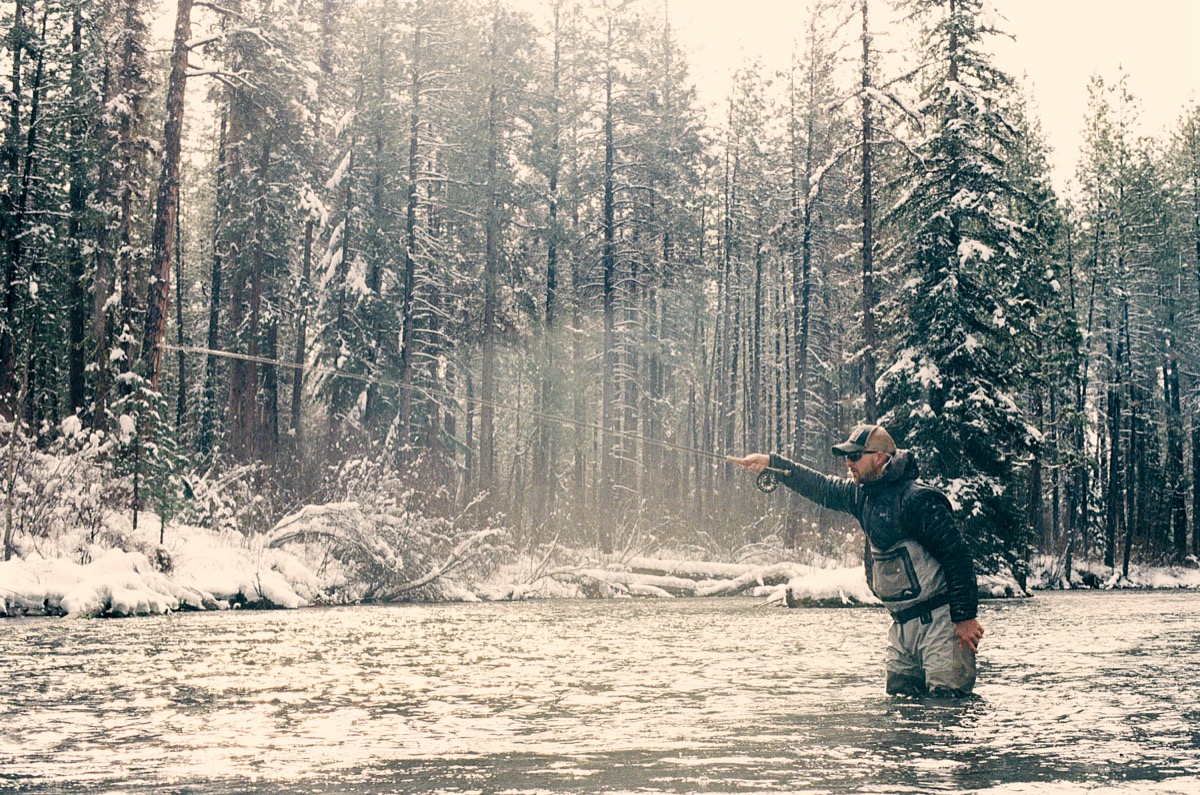
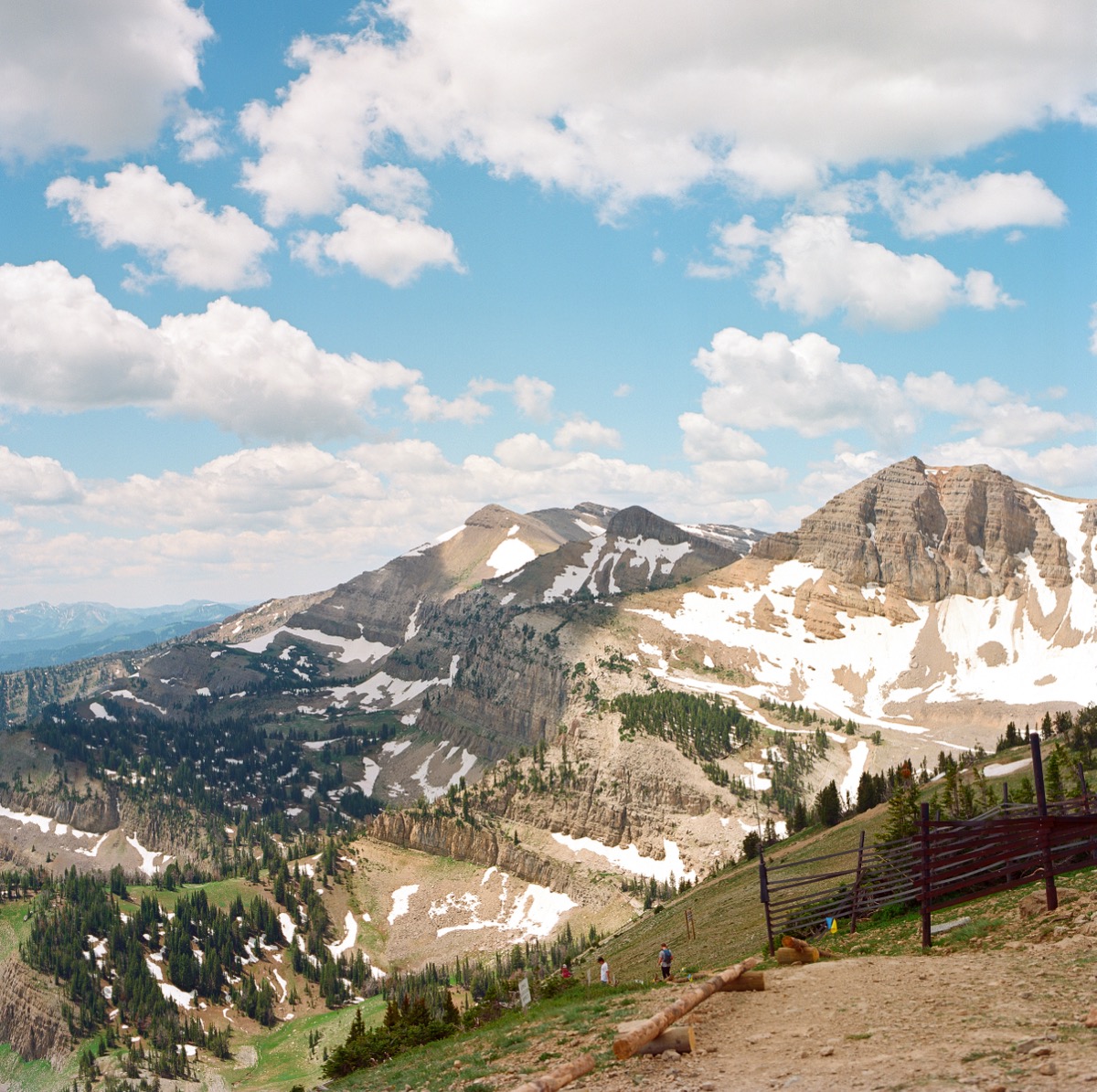
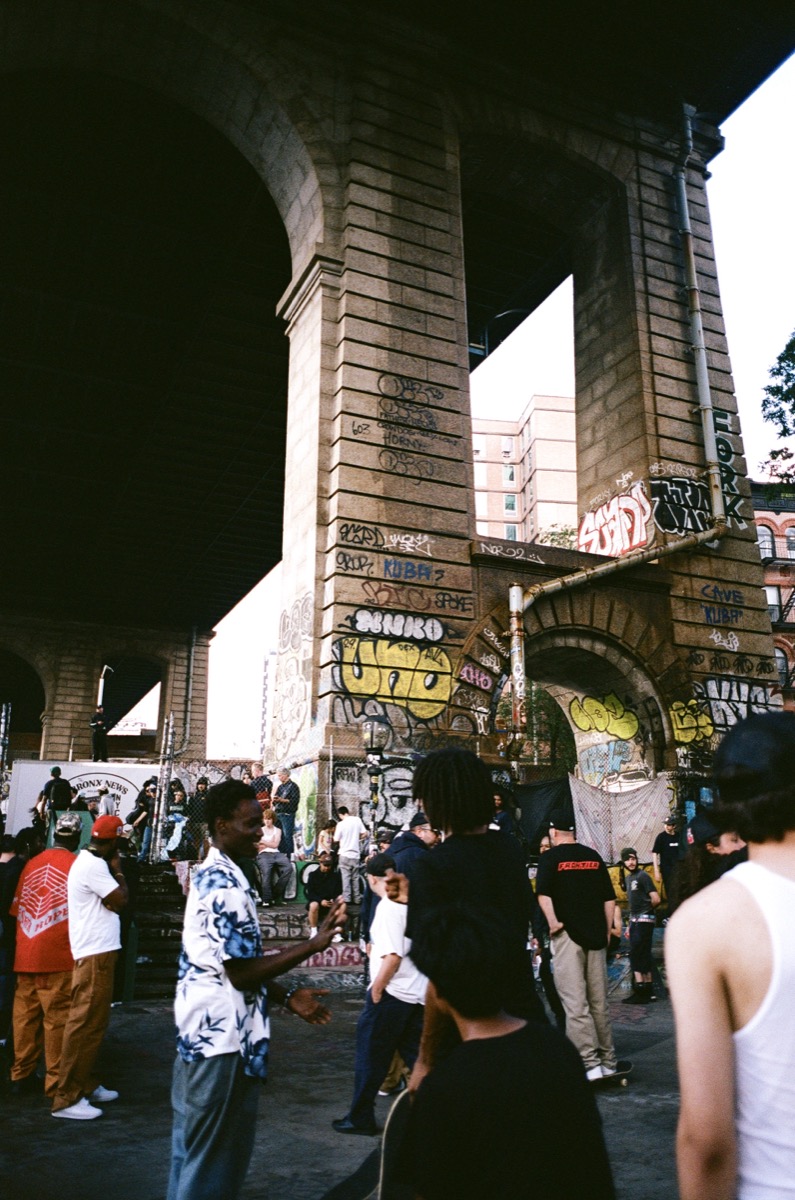
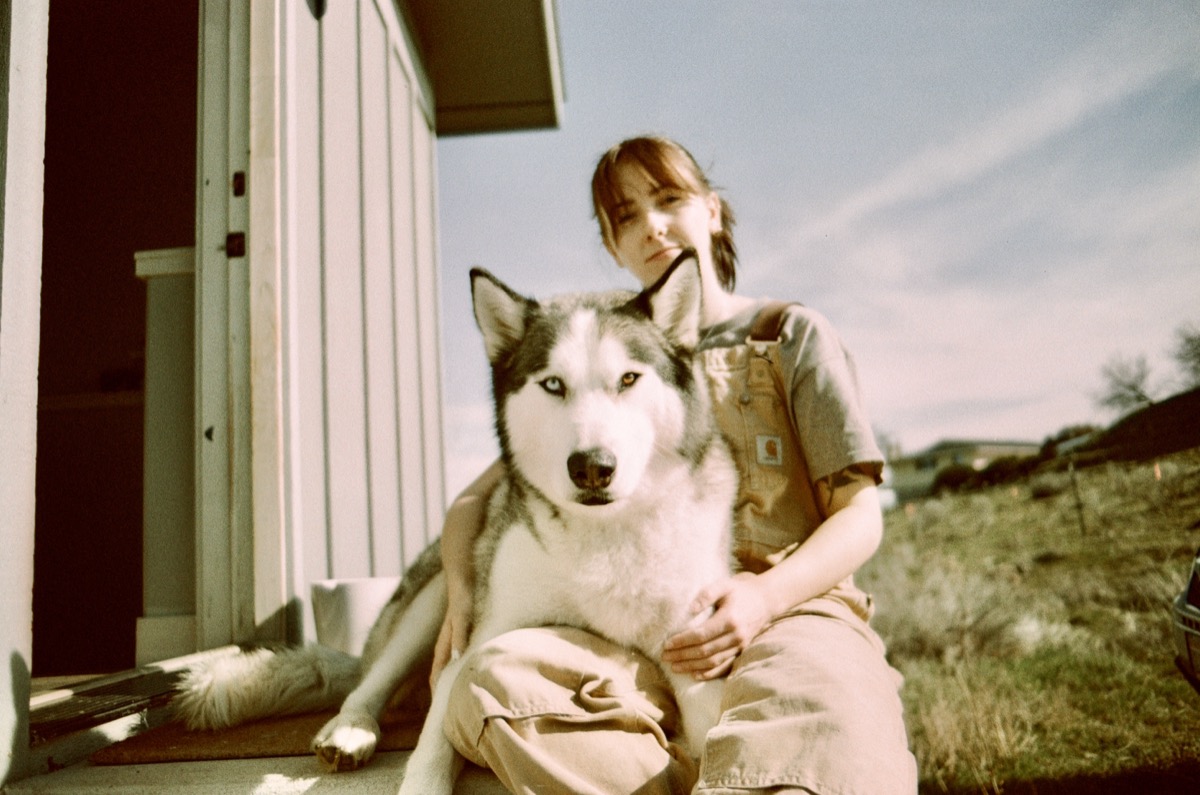
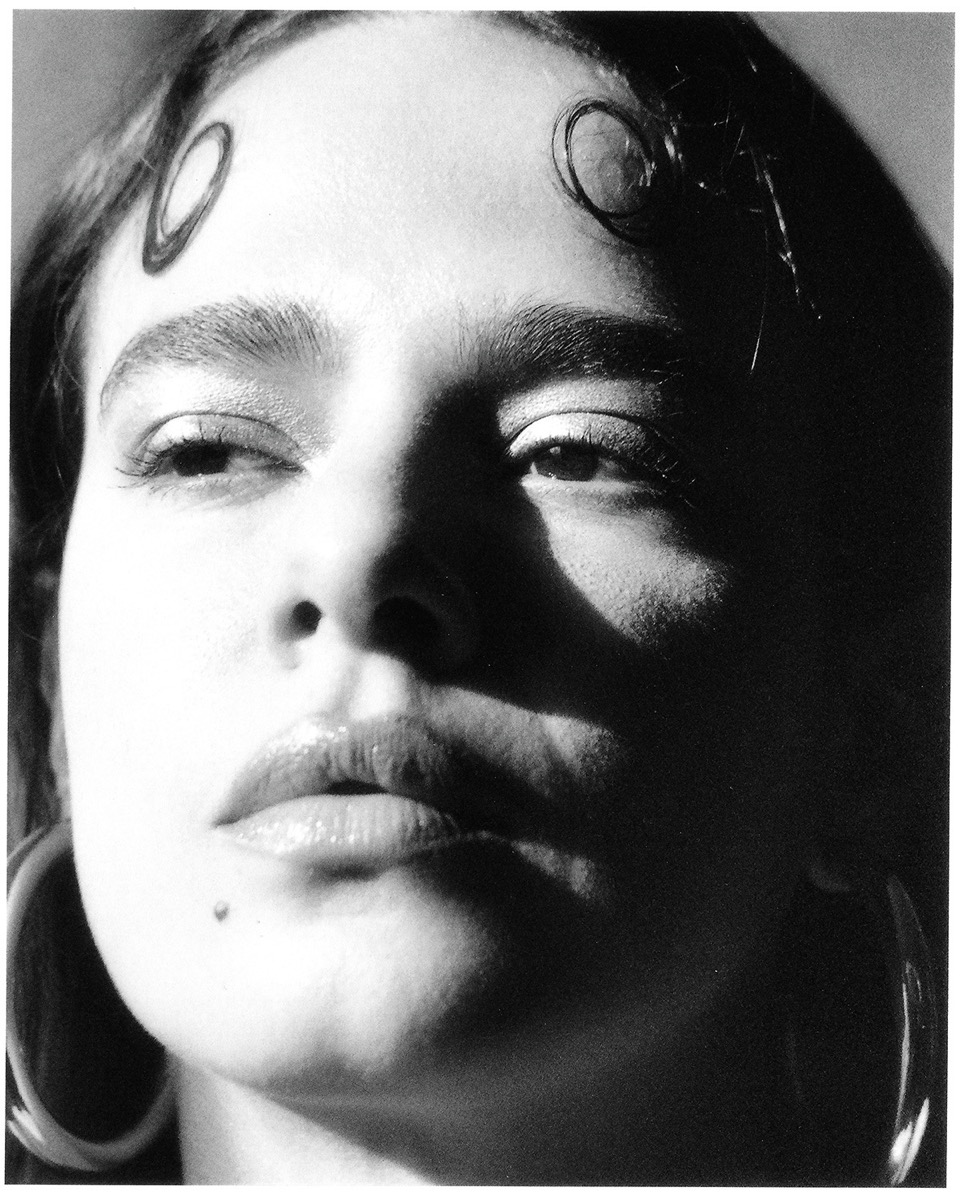
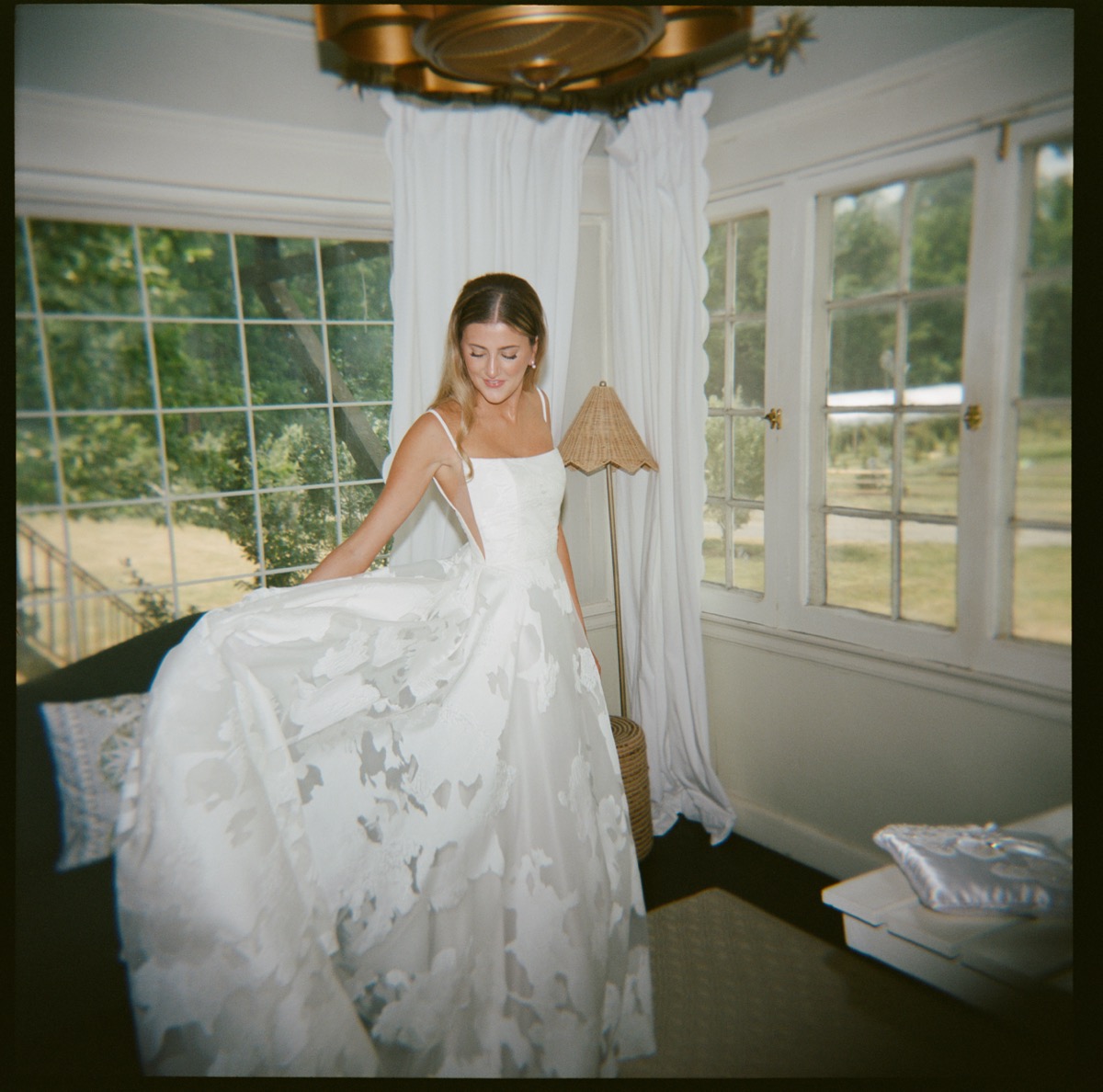
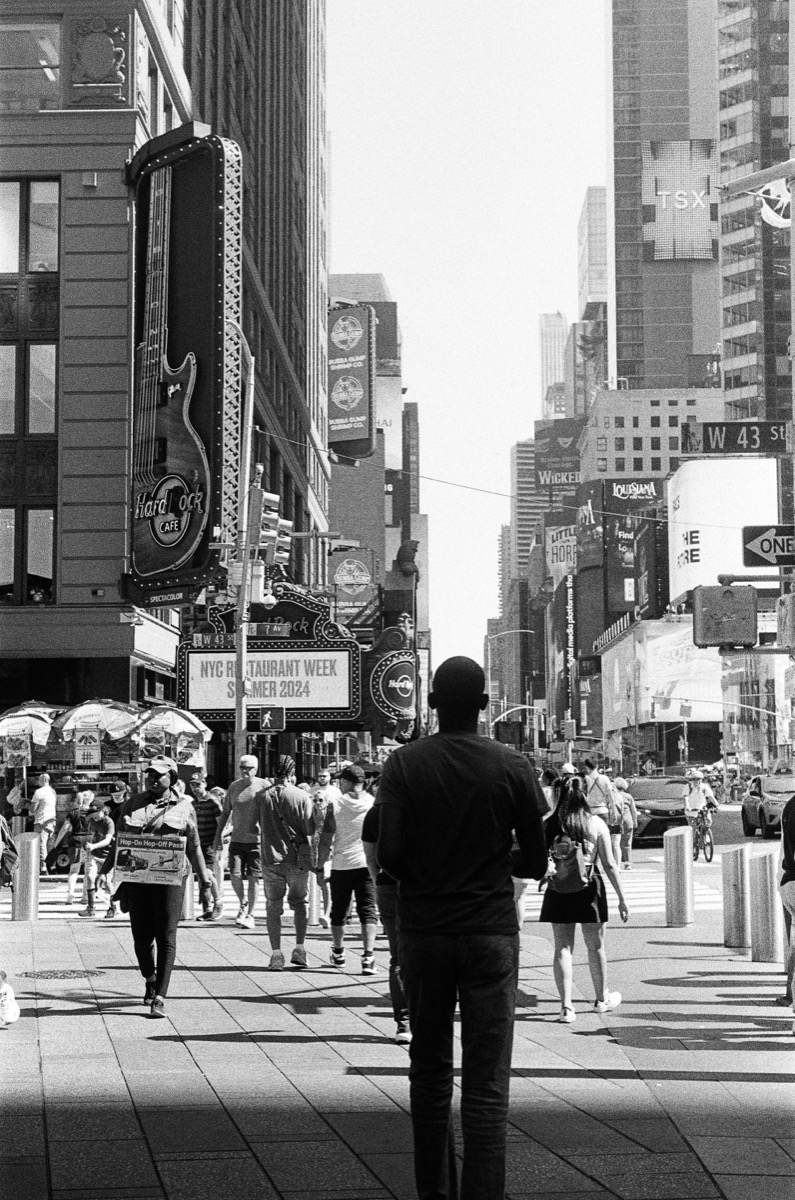
We're analog creatures. The work below is real film, made by real hands, shot by the photographers who trust us with their rolls. Authentic from the very first frame.
Explore the community →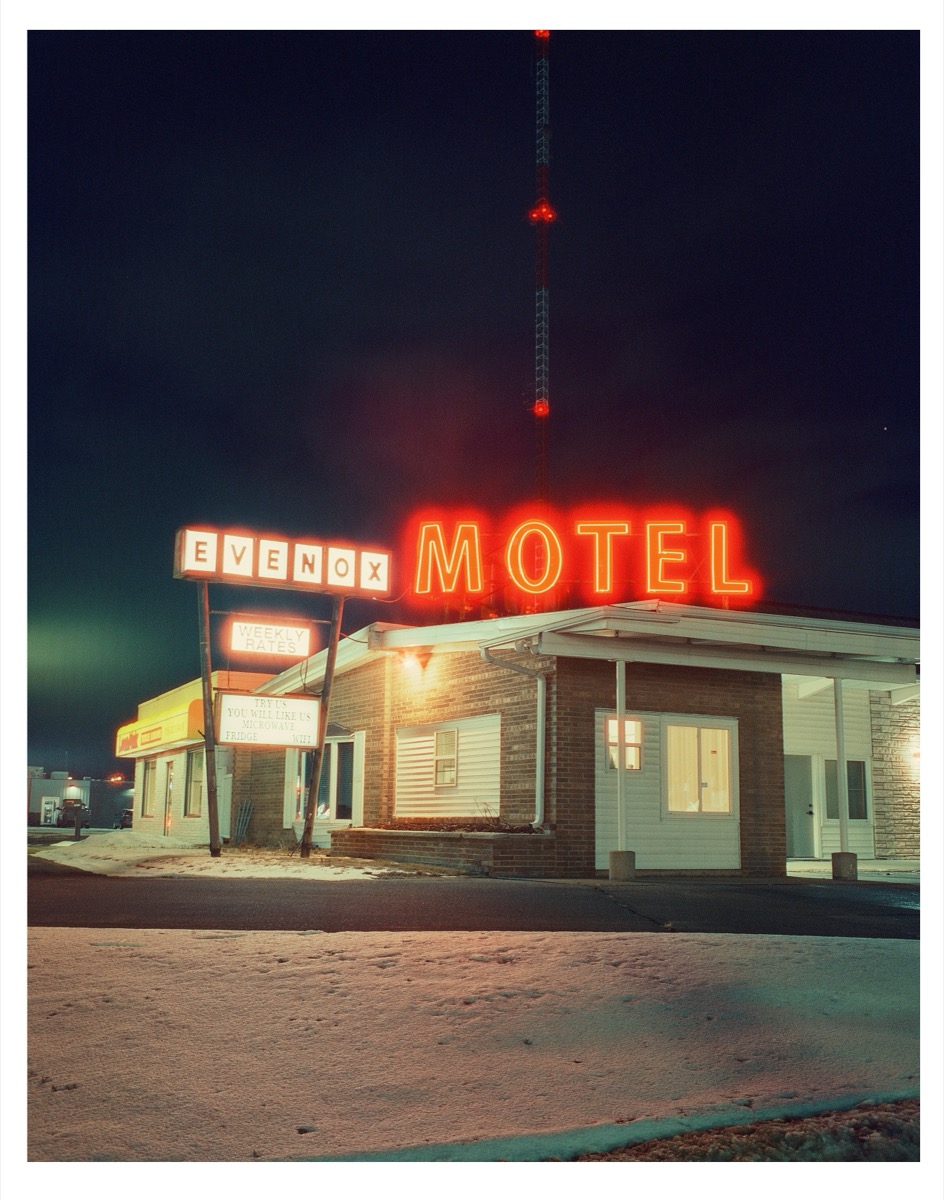

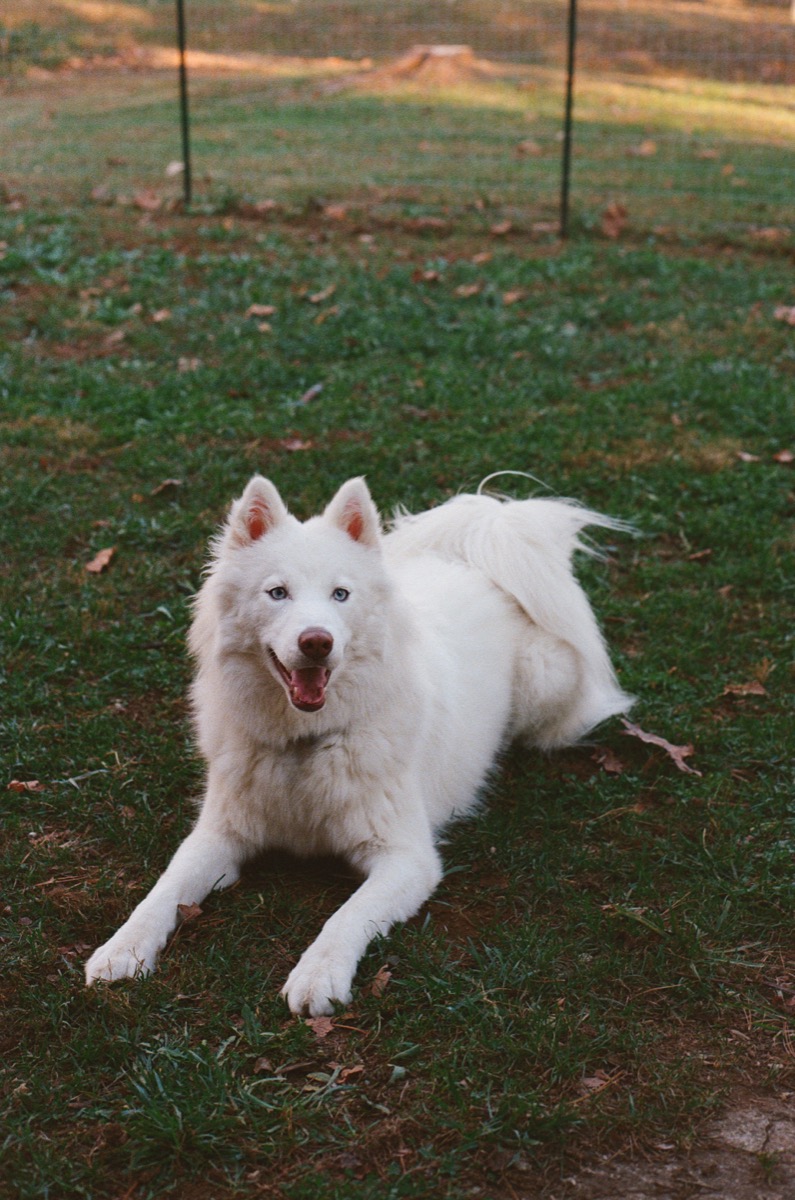
"Love that the scans are flat and enormous. I received my scans in less than 24 hours."
Melissa E.
"One of the best in the world that I've used. Un-paralleled quality in scans so far. Incredible latitude in post for me, fast and friendly too!"
Kevin T.
"I'm blown away by Gelatin Labs for their professionalism, and young fresh take on a photography lab. They make everything so easy! Their scans are to die for!"
Megan O.
"Gelatin is the best in the game! I love the flexibility their flat GelForm Style offers me, and there's simply no one else I would trust with my film."
Ryan B.
Gelatin Labs is a family-owned film lab in Maplewood, NJ and the East Village, NYC. We develop, scan, and print real film by hand. We sweat the scan quality, the GelForm looks, fast turnaround, and being a team you can actually reach. Content Credentials are one more way we take care of your work.
Up to 16-bit color on pro Noritsu and Fujifilm Frontier scanners. We obsess over every tone so your work looks its absolute best.
Ten scan styles, from The Standard to The Spacely. Pick the look you want. We handle the rest.
Fast Pass and standard turnaround. We get your images back quickly, without ever cutting corners.
Every roll runs past our team, and we're easy to reach. Email us and a real person writes back.
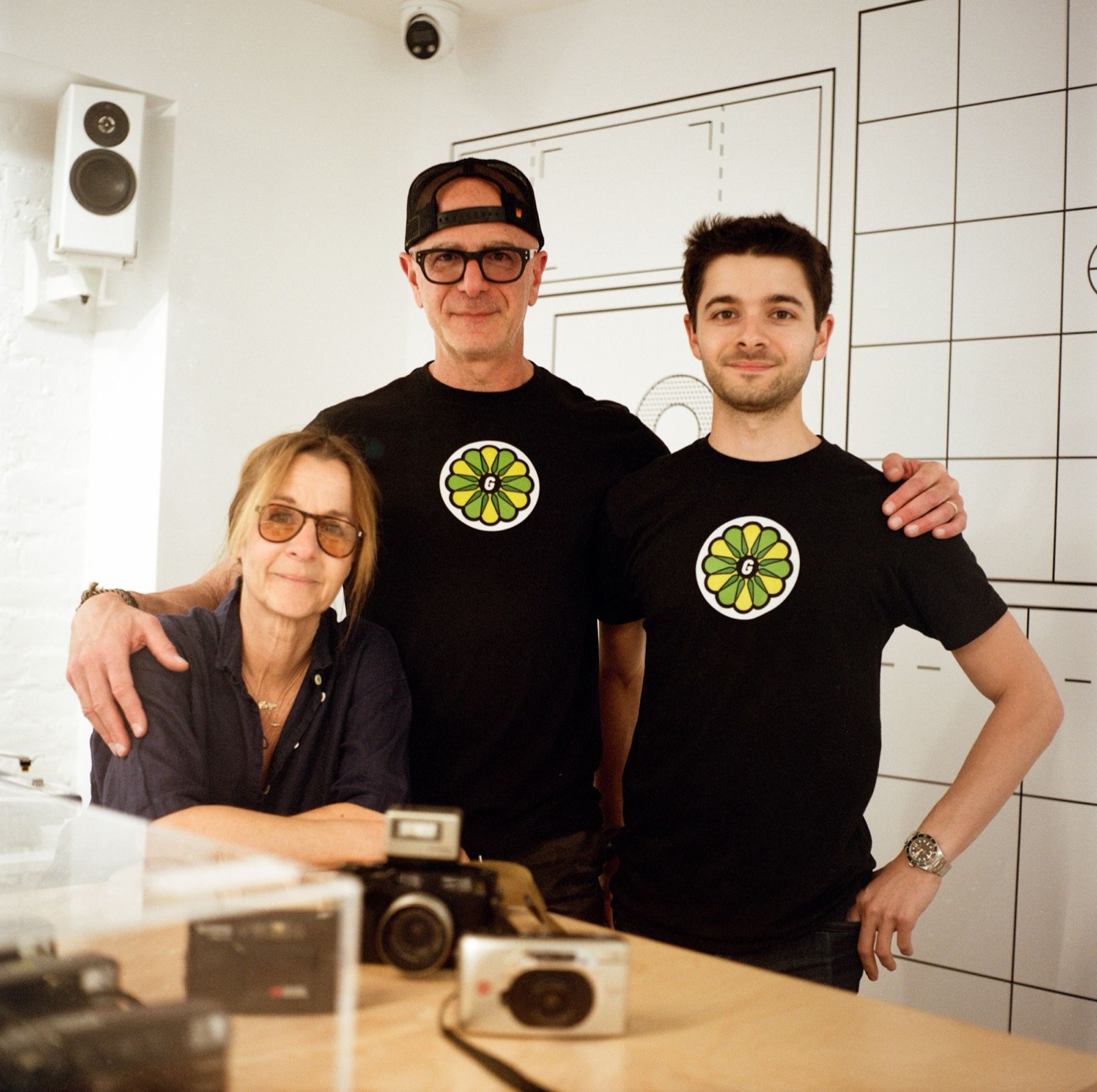
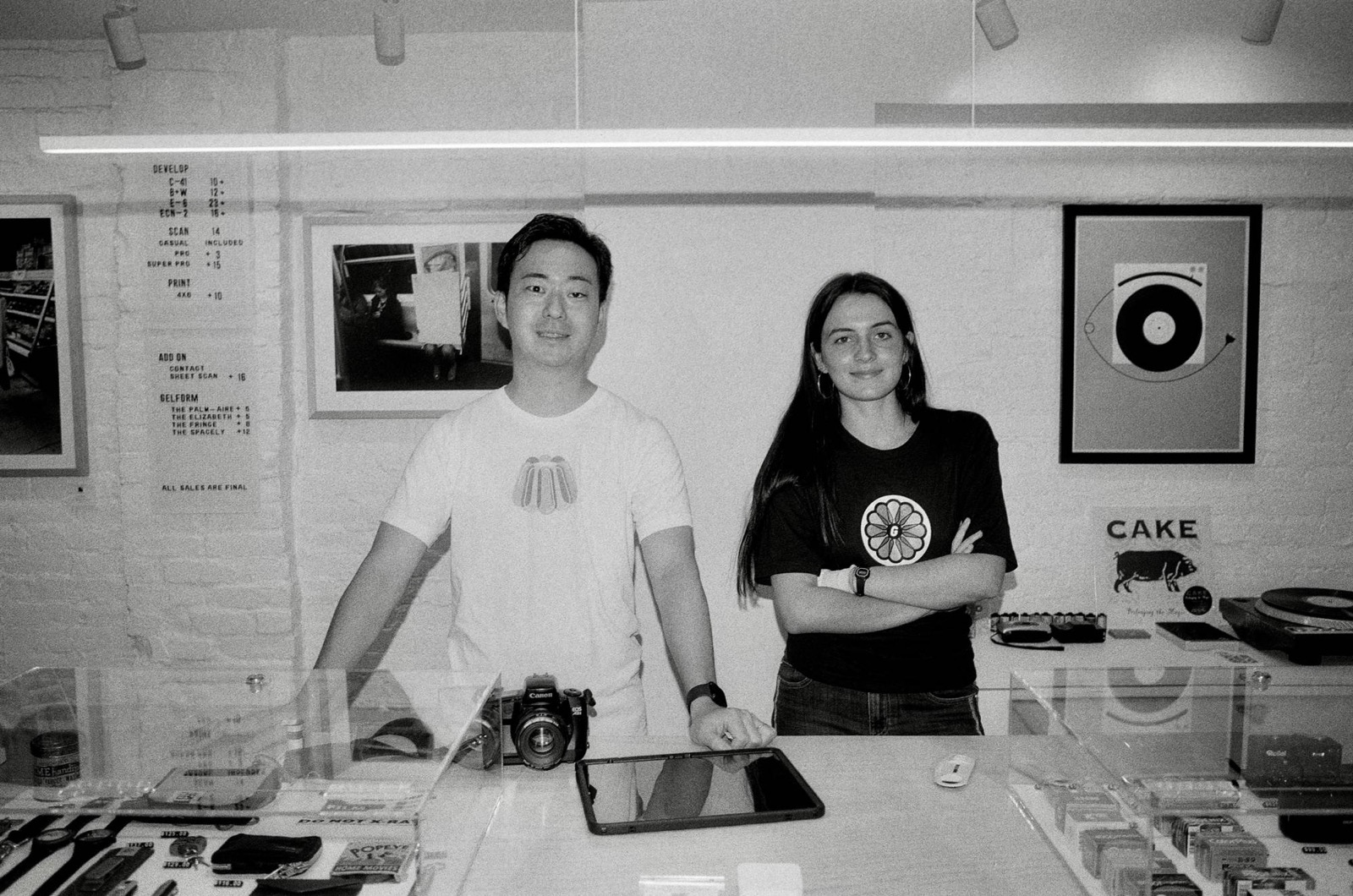
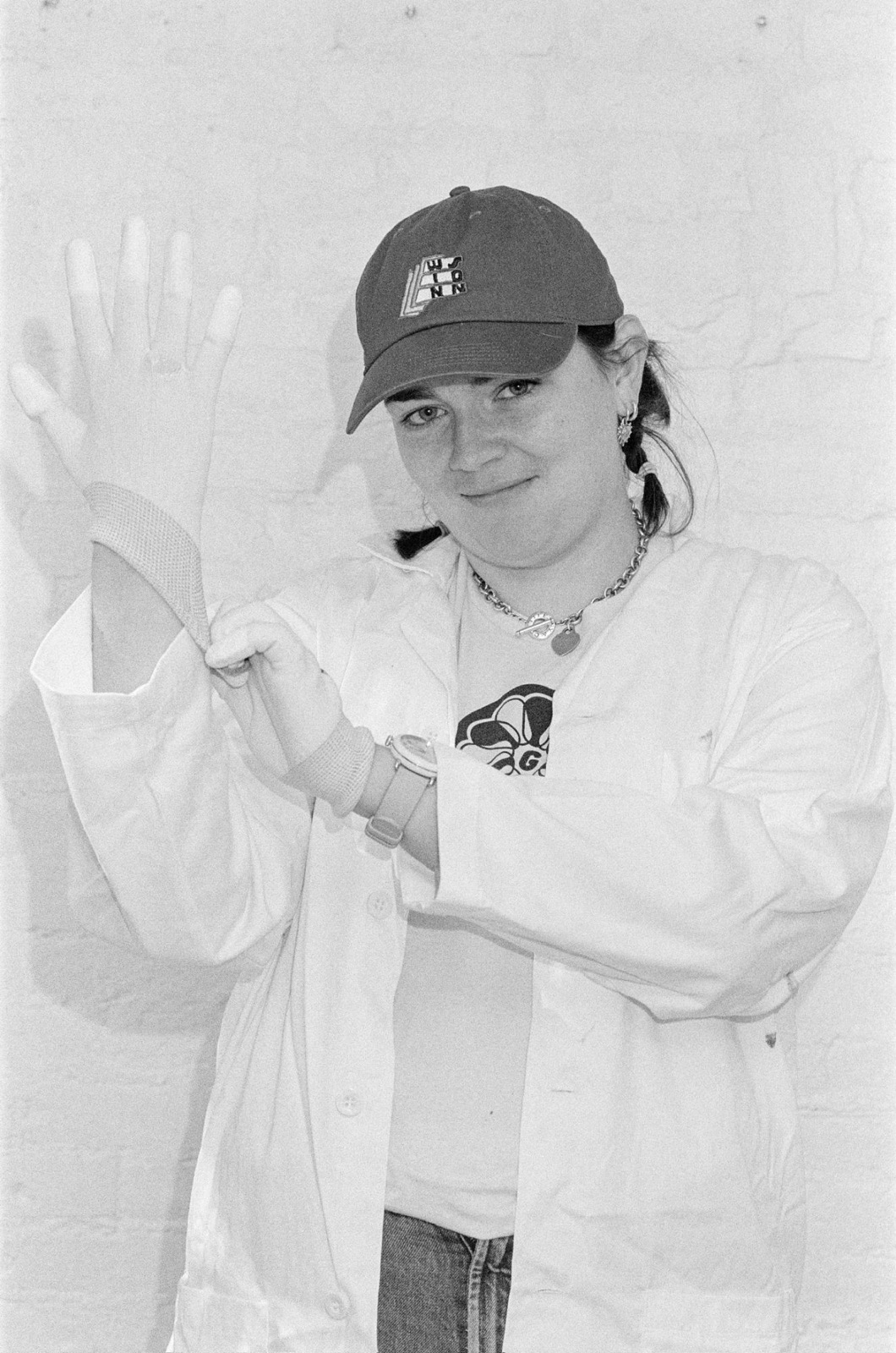
 Try it yourself
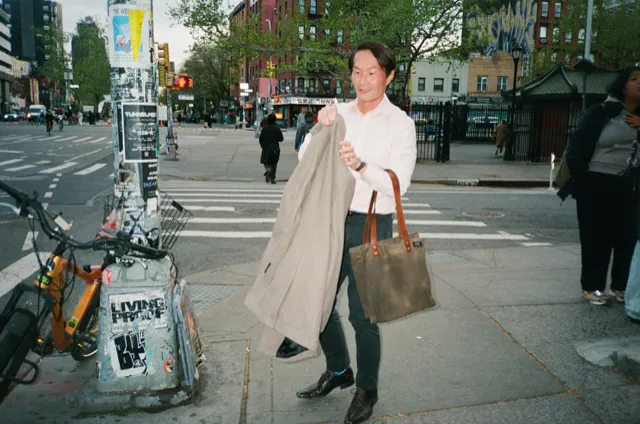
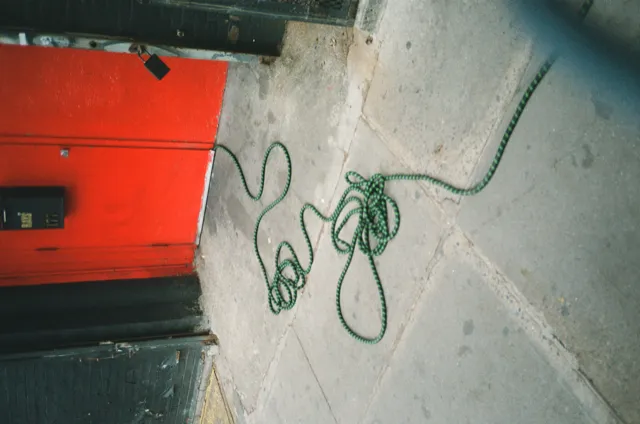
GelForm is our own set of scan styles. The negative never changes — what changes is the color, the contrast, and how much of the film edge we leave in. Tap through and see.
Sample photos by Jakob Lilja-Ruiz.
Whichever you choose, the credential records the same things: the roll, the film, the scanner, and the negative it came from.
We've modernized getting your film back. Download your scans, track your roll through the lab, read notes from our team, and revisit the options you picked, all in one place. No digging through email, no expiring links.
Full-resolution files, ready whenever you want. Re-download for at least 30 days, usually six months, with archival retrieval for up to two years.
Watch it move through the lab in real time: received, developing, scanning, ready.
See notes from our team and the exact options you chose, GelForm style and all, on every order.
 ✓
✓ ✓
✓ ✓
✓ ✓
✓ ✓
✓ ✓
✓ ✓
✓Real film, scanned by Gelatin, developed with care, signed for authenticity, organized down to the frame, and kept safe in your account. A film lab first. It's how we're securing the old for what's new.
Every roll. Every scan. Sealed.